Getting Started
Wolent CMS is an open-source headless content management system designed for developers who want power without complexity. This guide walks you through your first setup.
Prerequisites
- Node.js 18+ or Docker
- PostgreSQL or SQLite database
- A modern browser for the admin panel
Quick overview
After installation, open the admin dashboard to create your first content type using the setup wizard or ready-made templates.
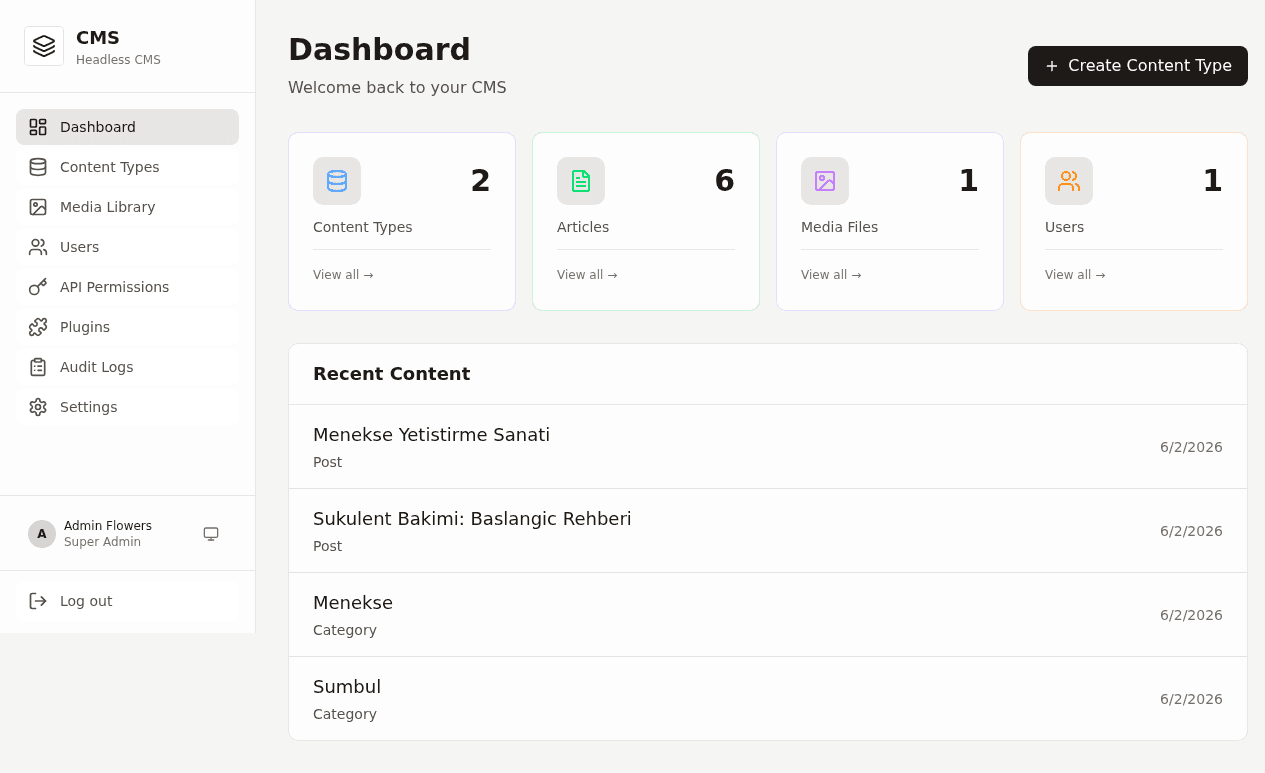
Clone the repository from GitHub and follow the installation steps below.
Installation
Wolent can be deployed with Docker (recommended) or installed manually for local development.
Docker (recommended)
The fastest way to get Wolent running in production:
git clone https://github.com/boracomet/wolent-cms.git
cd wolent-cms
docker compose up -d
The admin panel will be available at http://localhost:3000. Default credentials are documented in the repository README.
Manual installation
For local development without Docker:
git clone https://github.com/boracomet/wolent-cms.git
cd wolent-cms
npm install
cp .env.example .env
# Edit .env with your database URL
npm run db:migrate
npm run dev
Environment variables
DATABASE_URL=postgresql://user:pass@localhost:5432/wolent
JWT_SECRET=your-secret-key
ADMIN_EMAIL=admin@example.com
ADMIN_PASSWORD=changeme
Content Types
Content types define the structure of your data — like schemas for blog posts, products, or portfolio items. Wolent provides a visual builder so you never touch JSON by hand.
Setup wizard
New projects start with the setup wizard. Name your project and choose a template to get started quickly:
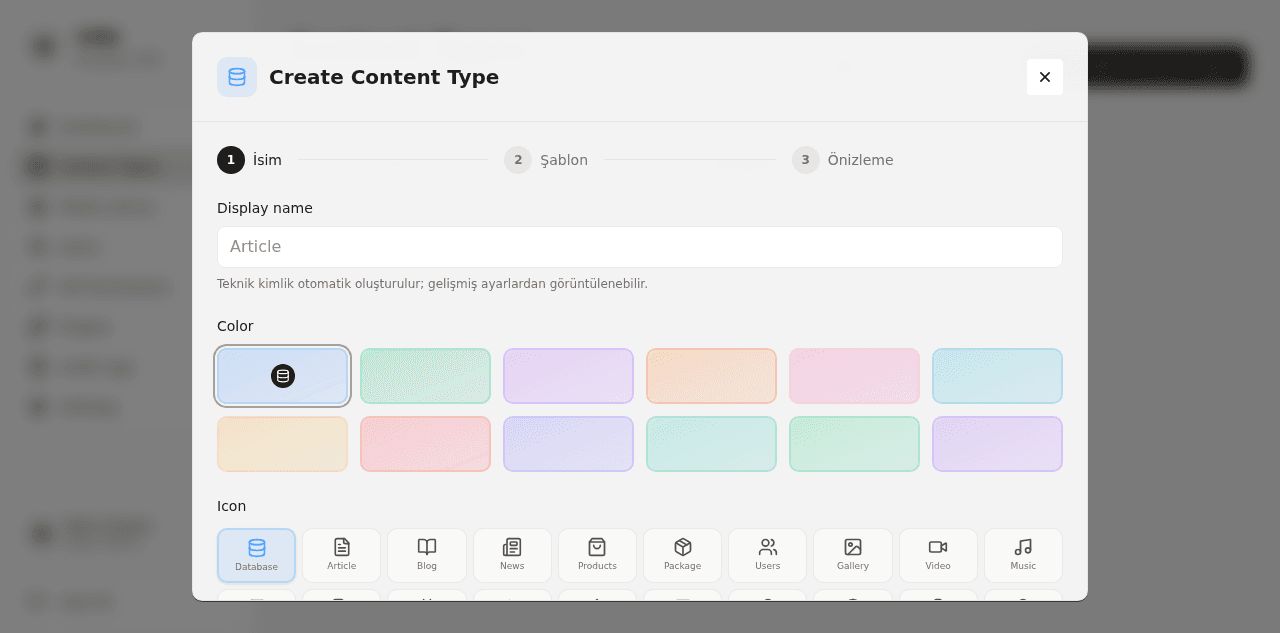
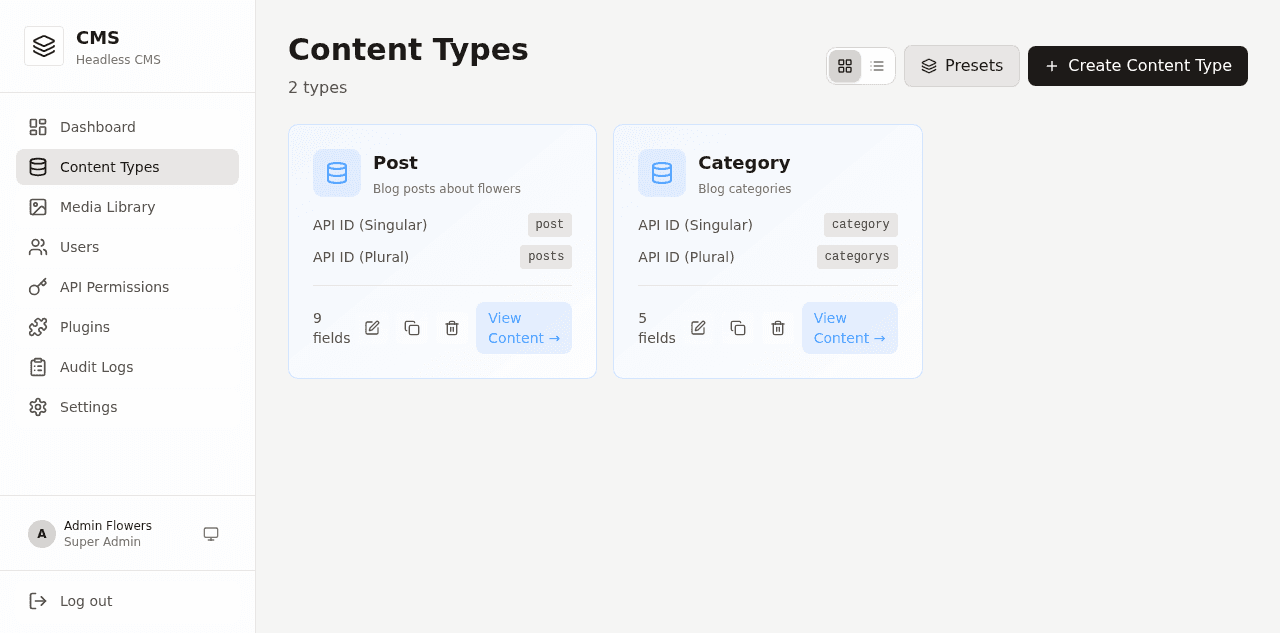
Managing content types
All content types appear in a clear list view. Create, edit, or delete types from one place:
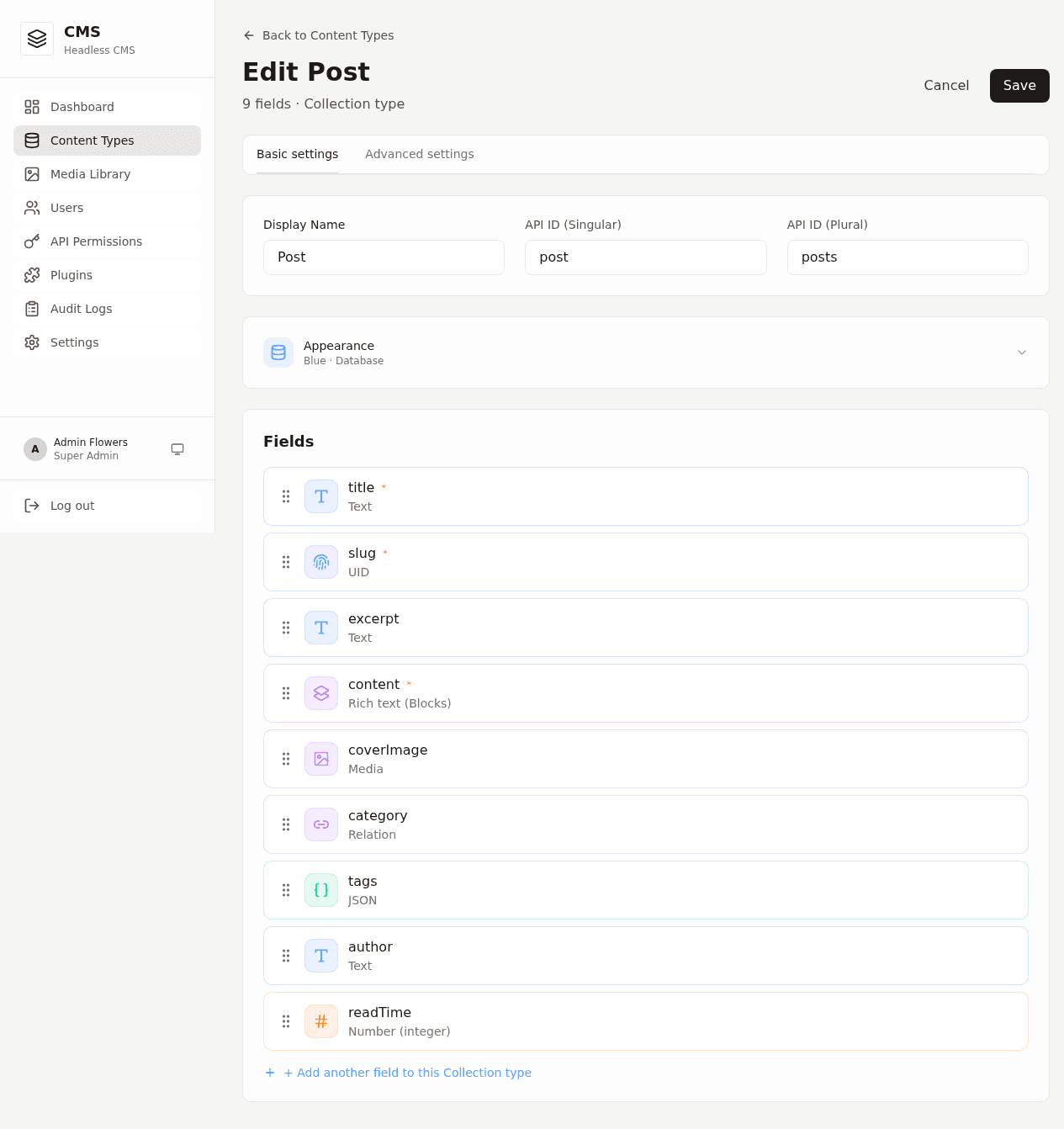
Field builder
Each content type has a drag-and-drop field builder. Add text, rich text, numbers, dates, relations, and media fields:
Supported field types
- Text — Short and long text fields
- Rich Text — WYSIWYG editor for formatted content
- Number — Integers and decimals
- Date — Date and datetime pickers
- Relation — Link to other content types via dropdown
- Media — Image and file uploads
- Boolean — Toggle switches
Multi-language
Wolent ships with Turkish and English built-in. Enable locales per content type and translate fields individually from the entry editor.
API Reference
Wolent auto-generates a REST API for every content type you create. Authenticate with JWT tokens and fetch content from any frontend.
Base URL
http://localhost:3000/apiAuthentication
Obtain a JWT token by posting credentials to the auth endpoint:
POST /api/auth/login
Content-Type: application/json

{
  "email": "admin@example.com",
  "password": "your-password"
}

# Response
{
  "token": "eyJhbGciOiJIUzI1NiIs..."
}
Include the token in subsequent requests:
Authorization: Bearer <your-token>Fetching entries
List all entries for a content type (replace posts with your type slug):
GET /api/posts
GET /api/posts/:id
GET /api/posts?locale=en&limit=10&offset=0
Creating entries
POST /api/posts
Content-Type: application/json
Authorization: Bearer <token>

{
  "title": "Hello World",
  "slug": "hello-world",
  "body": "Your content here...",
  "locale": "en"
}
Response format
{
  "data": [
    {
      "id": "uuid",
      "title": "Hello World",
      "slug": "hello-world",
      "createdAt": "2025-01-15T10:00:00Z",
      "updatedAt": "2025-01-15T10:00:00Z"
    }
  ],
  "meta": {
    "total": 1,
    "limit": 10,
    "offset": 0
  }
}
For the complete API specification, see the repository documentation.